

My category title and description is not updated with the data of an applied filter in magento. Am I missing something?
First of all, please make sure that the attribute option has the data specified under attribute settings here (Stores → Attributes → Product → select attribute → Manage Swatch (Values of Your Attribute) → settings of the needed option):
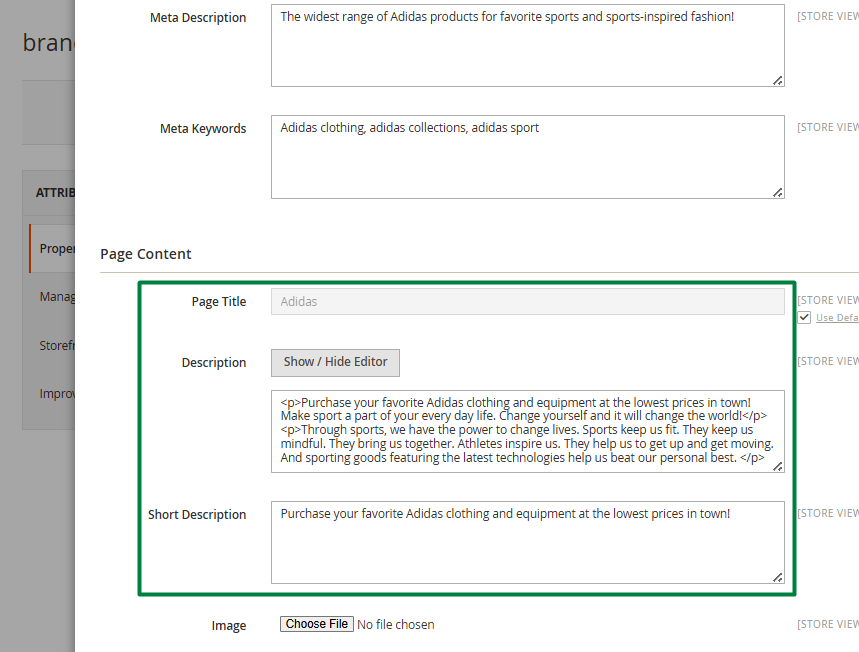
Category data will be modified with it.
Secondly, please make sure that the attribute is allowed to update category data and specify how it should be added under general extension settings here (Stores → Configuration → Amasty Extensions → Improved Layered Navigation):
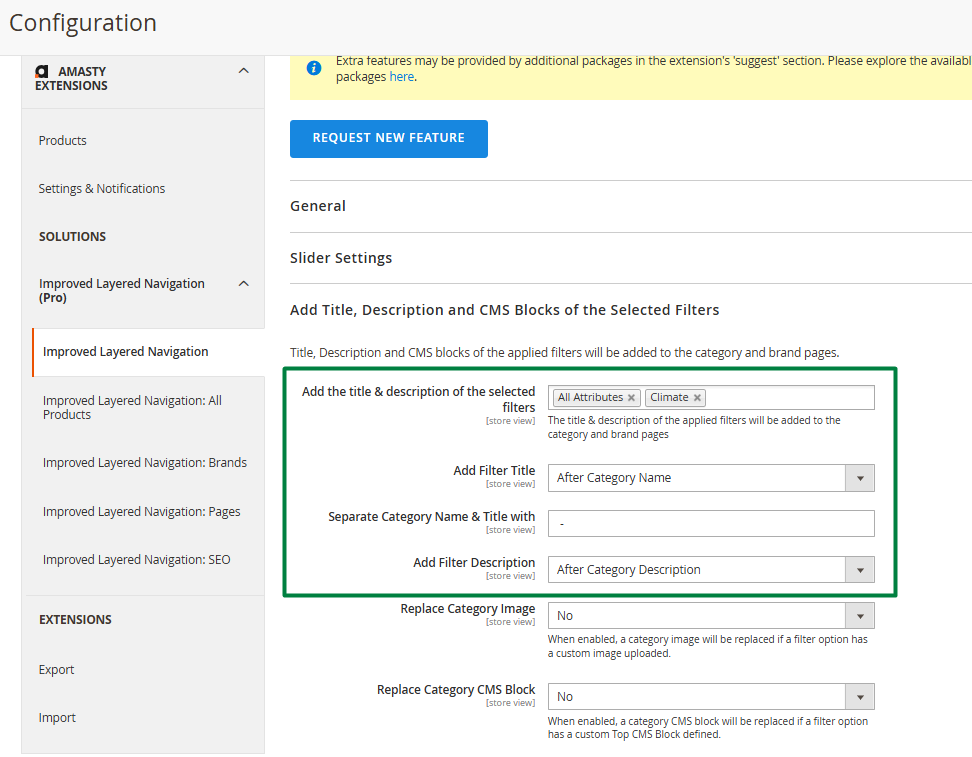
Once the settings above are configured, the category data should update when filters are applied.
If the theme moves the title and description blocks from their default location, our developers can help you achieve the desired result via a support ticket.
See more details on Improved Layered Navigation for Magento 2 page
Loading
Login and Registration Form